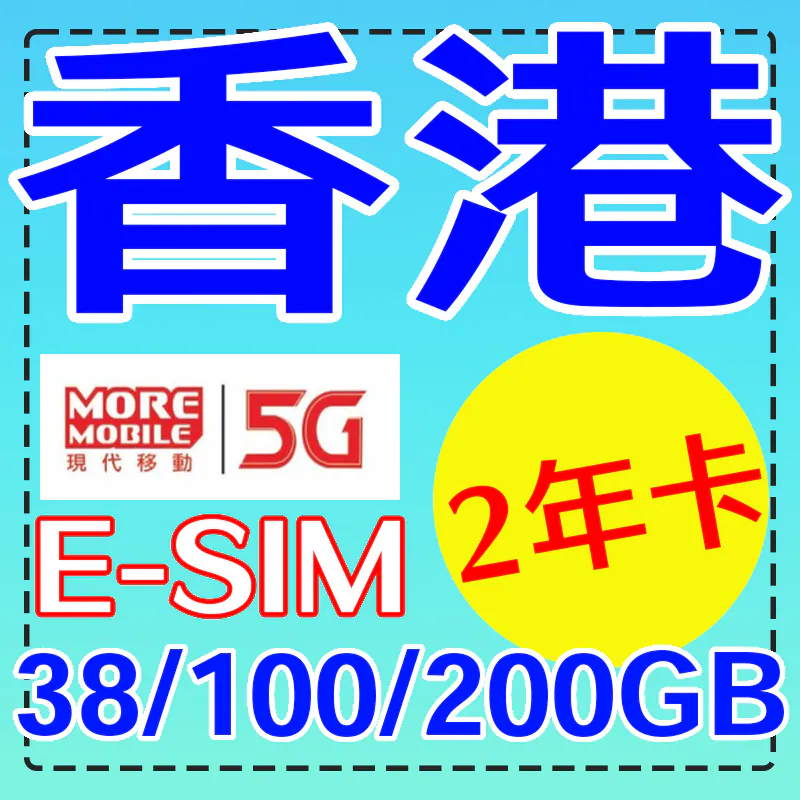
China / HK / MO / TW eSIM · 38GB/100GB/200GB · 365d/730d
Plan details
| Validity | 365d / 730d |
|---|---|
| High-speed data | 38GB / 100GB / 200GB |
| Network | CSL、MORE MOBILE |
Install & activate
- After payment, your eSIM QR code is emailed within 1-2 business days.
- Connect to Wi-Fi, open Settings → Cellular → Add eSIM, and scan the code.
- On arrival, select the eSIM and enable Data Roaming.
- If it does not connect, set the APN manually or contact us.
Before you buy
- This is an eSIM, not a physical card. Check that your phone supports eSIM (dial *#06# for an EID).
- Some HK/Macau iPhone models do not support eSIM.
- The QR code can be installed only once and cannot be transferred.
- After the data allowance is used, speed is throttled — no extra charges.
- Data is provided by local operators; actual speed depends on local coverage.
Product description
You can top up this card yourself on the operator's official website.
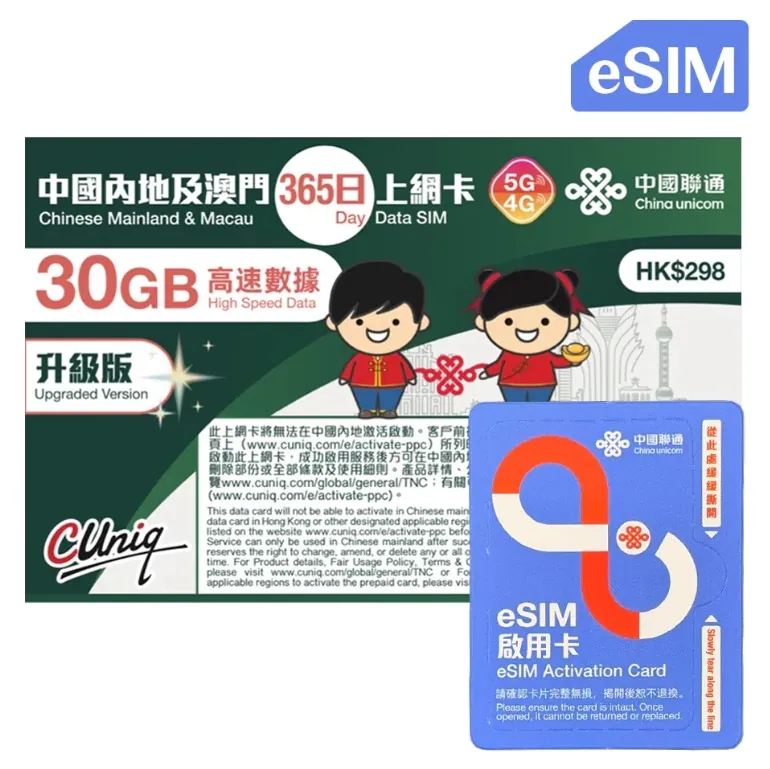
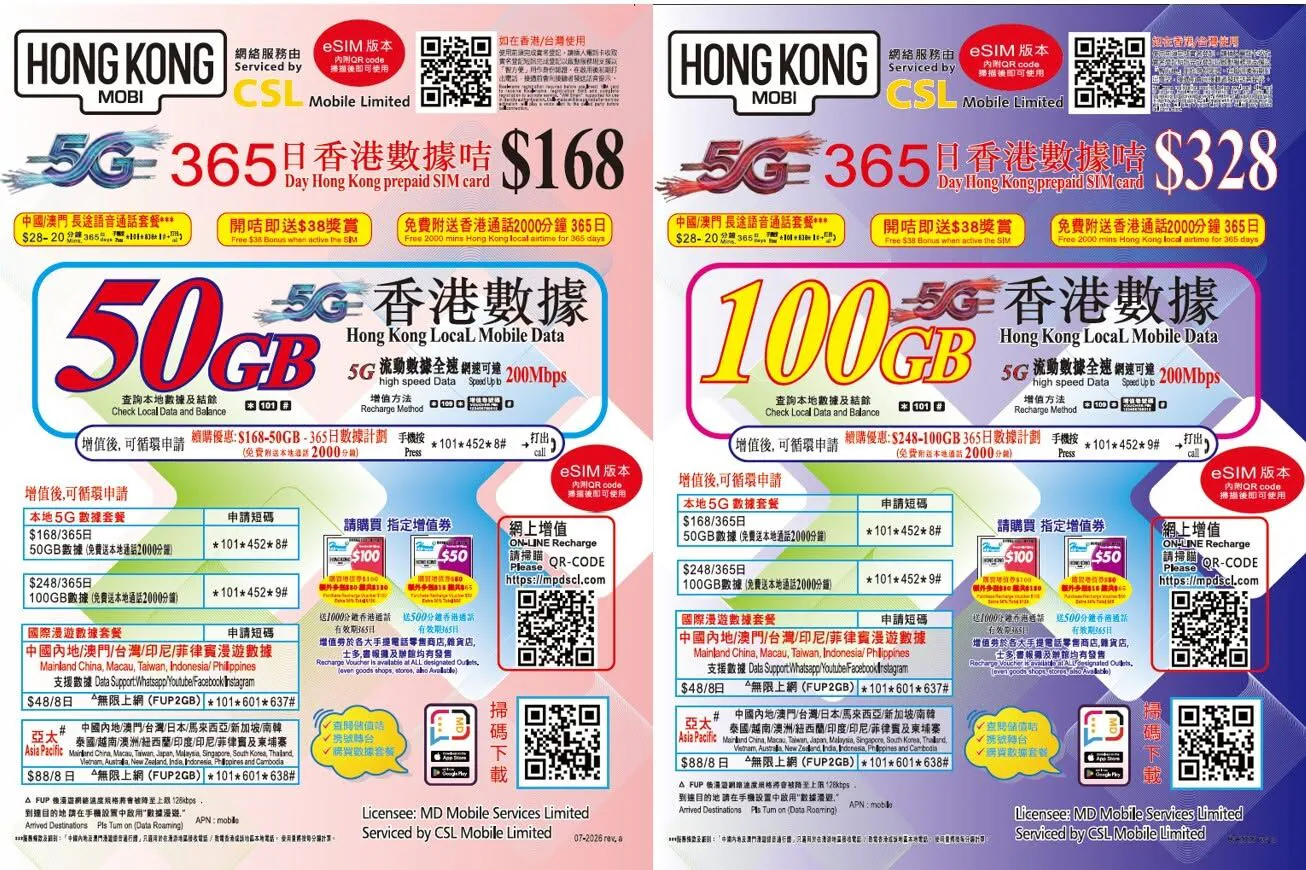
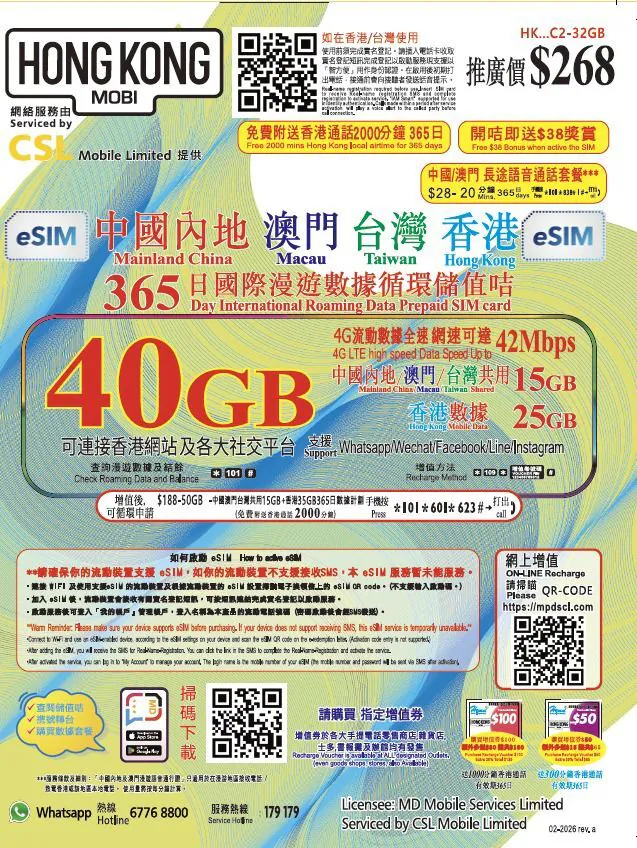
MORE MOBILE · Open the official top-up page →"MORE MOBILE" Hong Kong local 5G 1/2 year card E-SIM38GB/100GB/200GB Hong Kong 4G/5G mobile data 38GB version is valid for 365 days (1 year), 100 and 200GB versions are valid for 730 days (2 years) using CSL 4G/5G network (*1) comes with local call fee of $100 (maximum 2,000 minutes of call time).
The SIM card must complete real-name registration before it can be officially used. Real-name registration: After adding value, the original or other 5G data annual PLAN Internet plans can be continued to use. Last activation date: December 31, 2027.
Official support for whatsapp: 64966103*#149*888# Check stored value balance and validity period *#149*9999# Check data usage.
The actual data transmission speed will be subject to the following factors, including but not limited to network usage, mobile phone model, settings (including mobile phone hardware and software, etc.), uploaded/downloaded content and other external factors.
** Please make sure your mobile device supports eSIM. If your mobile device does not support receiving SMS (including iPad), this eSIM service cannot be activated.
**How to receive E-SIM: Our store will provide E-SIM enabled QR CODE during office hours from the day the order is confirmed to the next working day. Please log in and leave a message in the order to check. E-SIM is for one-time use only and cannot be transferred or reused.
Before placing an order, please confirm whether your device supports the E-SIM function. You can usually check whether you can add E-SIM in the SIM management tool, or dial *#06#. If an EID number appears, it means it supports E-SIM.
The Hong Kong and Macau versions of iPhone are only supported by the following models: iPhone 17/18 series, iPhone Duo, iPhone Air, iPhone 16e, iPhone XS, iPhone 12 mini, iPhone 13 Mini, iPhone SE.
(Hong Kong and Macau version iPhones other than the above models do not support E-Sim) How to activate: Scan the QRCODE and follow the instructions on the phone to install and activate.
After the scan and installation are completed, select the E-SIM in the settings for network connection and enable the data function. The E-SIM will be automatically activated immediately. Please register with your real name after activation. (*1): Network/speed is for reference only.
The actual Internet speed depends on different circumstances.
The actual data transmission speed will be subject to the following factors, including but not limited to network usage, mobile phone model, settings (including mobile phone hardware and software, etc.), uploaded/downloaded content and other external factors.