China / HK / MO / TW eSIM · 3GB · 1d/30d/60d
Plan details
| Validity | 1d / 30d / 60d |
|---|---|
| High-speed data | 3GB |
| Network | 中國移動 |
| Hotspot | ✓ |
Install & activate
- After payment, your eSIM QR code is emailed within 1-2 business days.
- Connect to Wi-Fi, open Settings → Cellular → Add eSIM, and scan the code.
- On arrival, select the eSIM and enable Data Roaming.
- If it does not connect, set the APN manually or contact us.
Before you buy
- This is an eSIM, not a physical card. Check that your phone supports eSIM (dial *#06# for an EID).
- Some HK/Macau iPhone models do not support eSIM.
- The QR code can be installed only once and cannot be transferred.
- After the data allowance is used, speed is throttled — no extra charges.
- Data is provided by local operators; actual speed depends on local coverage.
Product description
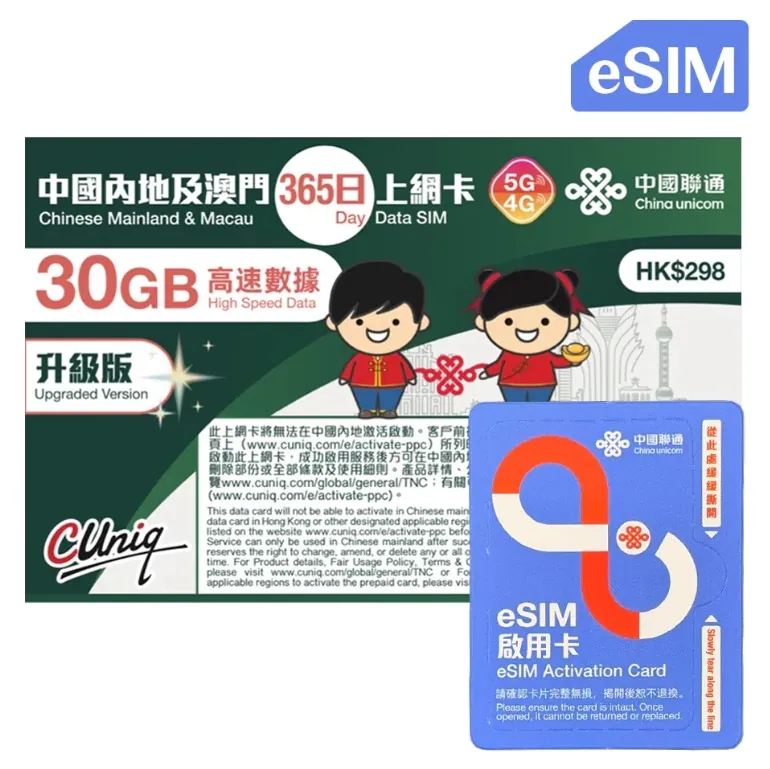
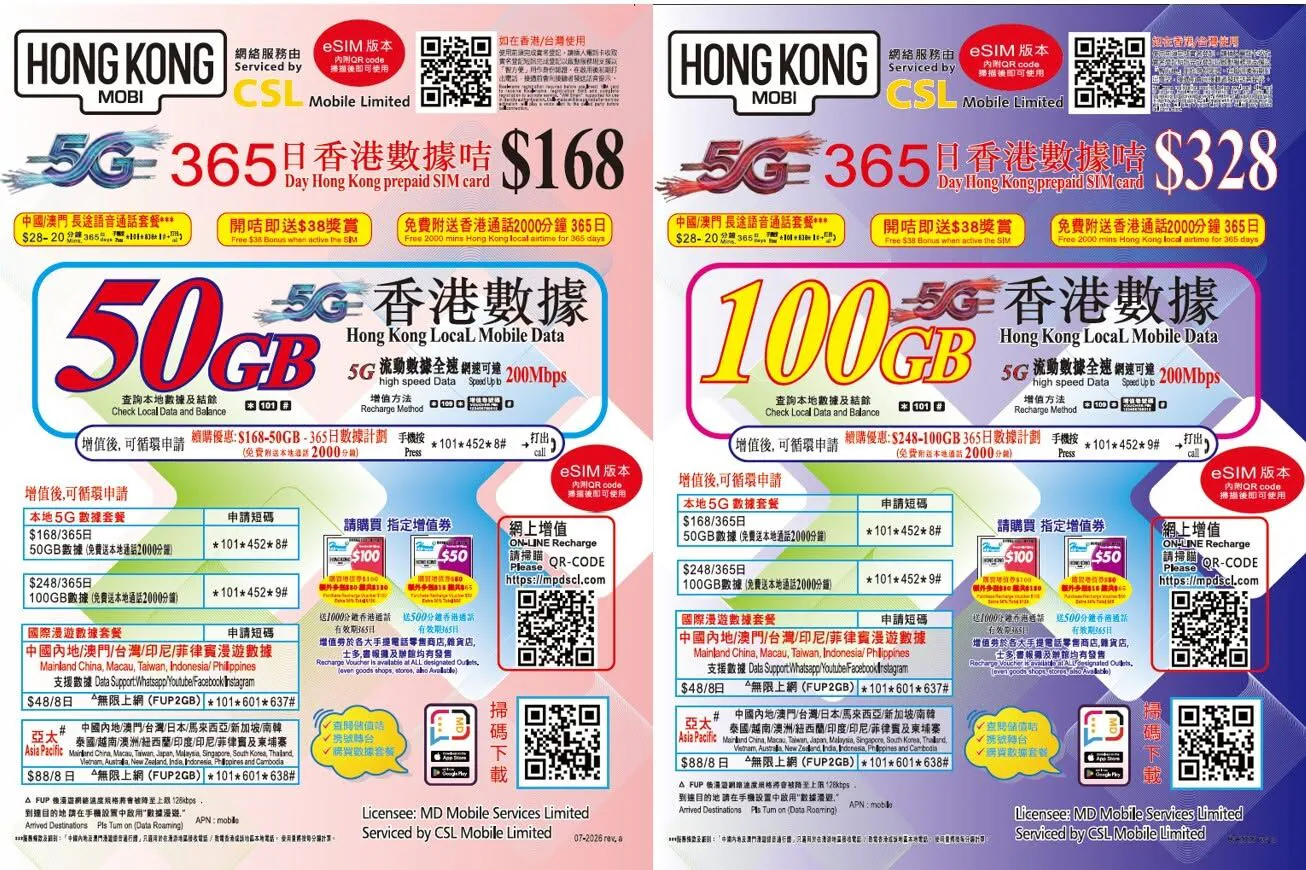
This card is issued by one of the Hong Kong China Mobile / China Unicom / China Telecom affiliates. Since 2026 these three have been tightening first-time activation inside mainland China: complete the first activation or QR scan in Hong Kong or overseas before bringing the card into the mainland. If you are already there, contact us first. Other Hong Kong operators (csl, 3HK and others) have not announced similar limits so far; any eSIM exemption follows the operator's latest announcement.
China Mobile 4G Unlimited Internet Card** This product is the E-SIM version, the non-physical SIM card version** uses China Mobile 4G LTE China Network, covering the whole of China with 3GB high-speed data per day + speed limit subscription (384kbps), with multiple days to choose from from 1 to 30 consecutive days (24 hours from the completion of card activation is 1 day) Last activation date for data sharing: no less than 60 days from the purchase date.
Please enable data roaming. How to receive E-SIM: Our store will email you from the day of order confirmation to the next working day during office hours.
Provide a dedicated QR code for customers to install E-SIM (EMAIL comes from it may be sent to the spam mailbox due to your email settings, please pay attention to check) before placing an order, please confirm whether your device supports the E-SIM function.
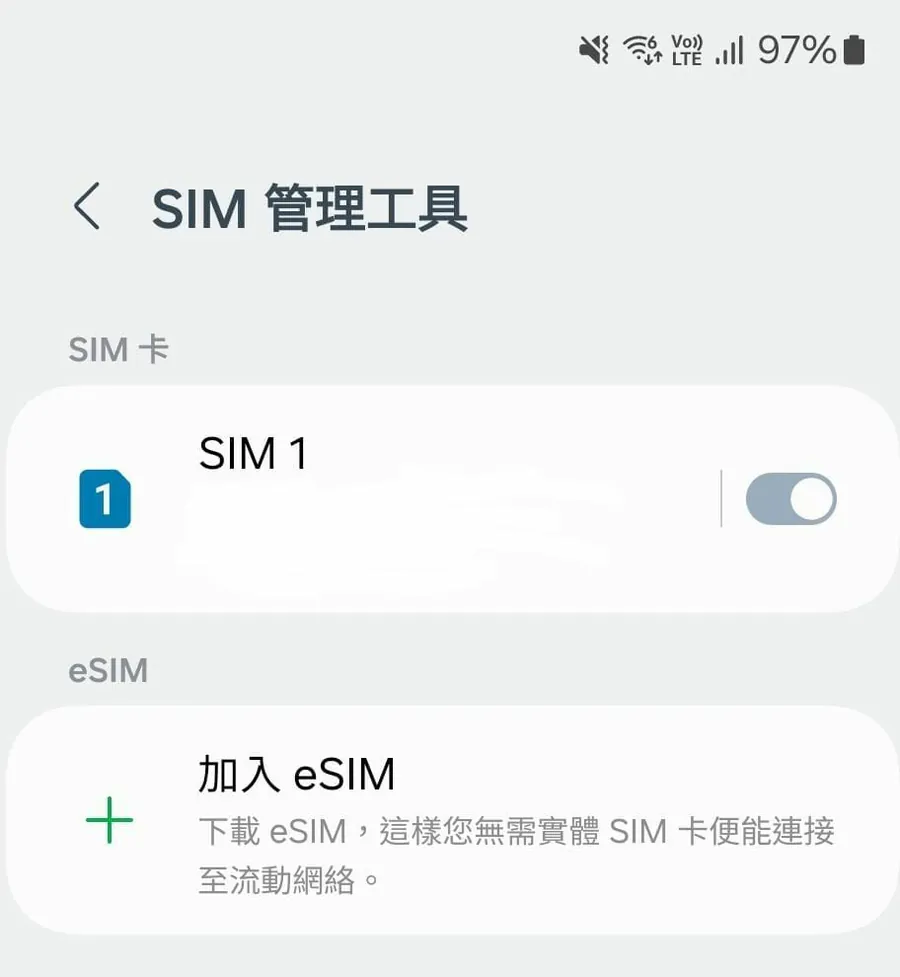
You can usually check whether you can add E-SIM in the SIM management tool. Supported mobile phones - Hong Kong version and Macau version iPhone are only supported by the following models: iPhone 16e, iPhone XS, iPhone 12 mini, iPhone 13 Mini, iPhone SE. Android phone: Asus zenfone 12 ultra.
How to enable: Be sure to scan QRCODE at the destination to enable it. After the scanning and installation are completed, select the E-SIM as the network connection in the settings and enable the data function. The E-SIM will be automatically activated immediately.
Normally, the connection is automatic, but after activation, there is no connection to the Internet. Please complete the APN setting manually. Name: cmhkAPN: cmhk User name: (No need to enter) Password: (No need to enter) Authentication type: PAP or CHAP